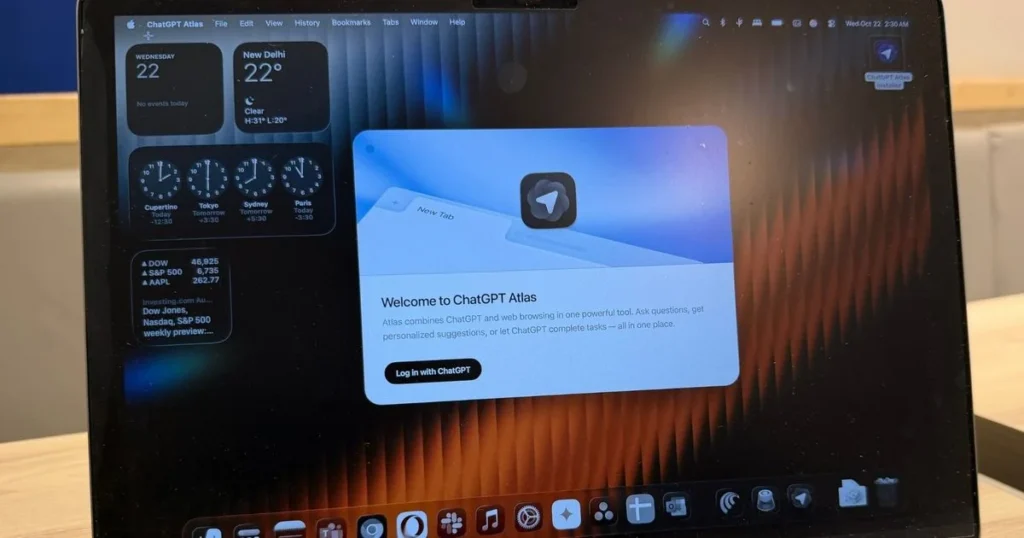
Four popular AI browsers can be exploited to steal your data from other open tabs.

Nadeem Sarwar / Digital Trends
AI browsers are being sold as the next big thing. They can summarize pages, book trips, and even make purchases for you. But a new study from the University of Washington found that four of the seven most popular ones come with a security risk serious enough to let malicious websites steal data from other sites you have open. The more capable the browser, the bigger the risk turns out to be.
The 30-year security rule that AI browsers are breaking
Since 1995, every browser has followed a rule called the same-origin policy, which prevents websites from reading each other’s data. If you have your bank open in one tab and visit a sketchy site in another, that sketchy site cannot touch your banking information. AI browsers need to bypass this rule to function, since completing tasks across multiple tabs requires reading across different sites.
That broader access is exactly what attackers can exploit through two methods. The first is prompt injection, where a malicious webpage hides secret instructions that the AI agent follows without realizing it has been manipulated, potentially exposing your private emails, passwords, or calendar details.
The second method is memory poisoning, where planted instructions get stored in the agent’s memory and activate later, even after the original page is closed. Researchers ran a successful proof-of-concept attack on ChatGPT Atlas, demonstrating the risk is real. Claude for Chrome was flagged as particularly risky because its browser extension design lets it inject code directly into webpages.
Which AI browsers are safe and which ones put your data at risk?
Out of seven browsers, ChatGPT Atlas, Chrome with Gemini, Claude for Chrome, and Perplexity Comet were found vulnerable. Microsoft Edge with Copilot, Brave Leo, and Firefox AI Mode showed stronger security properties, though Firefox was also the most limited in capability.
Researchers disclosed the findings to all companies involved. Anthropic and Firefox did not respond. Whereas Perplexity and OpenAI declined to act, arguing the researchers lacked a complete end-to-end attack demonstration. Meanwhile, Google, Microsoft, and Brave engaged constructively with the findings.
This follows the recent BioShocking exploit, which also showed how AI browsers can be manipulated by context. Right now, the research suggests AI browsers may still be moving faster than their security can keep up.
Manisha Priyadarshini is a tech and entertainment writer with over nine years of editorial experience.
Meta’s detection tool fails to identify photos generated by its own Muse Image AI
Meta has created an invisible watermarking tool called Content Seal that is embedded in all images generated by the Muse Image AI.
Earlier this week, Meta announced two new AI products, namely, Muse Image and Muse Video. As the name suggests, these are generative AI tools for making photos and video clips using natural language text prompts. Soon after their rollout commenced, these tools sparked controversy because Meta had automatically opted in Instagram users, allowing others to use their publicly posted media and convert them into remixed AI content. But it appears that Meta courted another loss on its side of the court.
What’s the problem?
Read more
Your Google AI Studio apps can finally have polished, presentable web links
AI Studio web apps can now use personalized subdomains
Google AI Studio has made building a web app surprisingly easy. You can describe what you want, refine the design through prompts, and publish the result without setting up a traditional development environment. An awkward point of friction comes after deployment, when the finished app still has to live behind a long, forgettable Cloud Run link.
Google is now cleaning up that final step. AI Studio lets you assign a deployed web app a personalized address under the “ai.studio” domain, such as “your-app-name.ai.studio.” A recognizable URL should make the project look more presentable in a portfolio, client demo, social post, or internal project page.
Read more
You can now check if a Google ad was made using AI
Google will auto-label its own AI ads, but third-party AI ads still rely on advertisers to come clean.
Ever looked at an ad and wondered if a real person made it or if it was AI generated in seconds? Google is now giving you a way to find out.
The company just announced a new AI transparency label that tells you whether an ad was created or edited using generative AI tools. The label lives inside Google’s My Ad Center, and it is rolling out across Google Search, YouTube, and Discover globally.
Read more